Create your own digital
advent calendar: four steps,
zero lines of code.
Add prizes, set the scene, fill the doors, configure streaks – done. That's how you build the digital advent calendar for your business in the Convert Creator, yourself. And if you'd rather hand it off: full-service is always an option.
Step 1: Add prizes
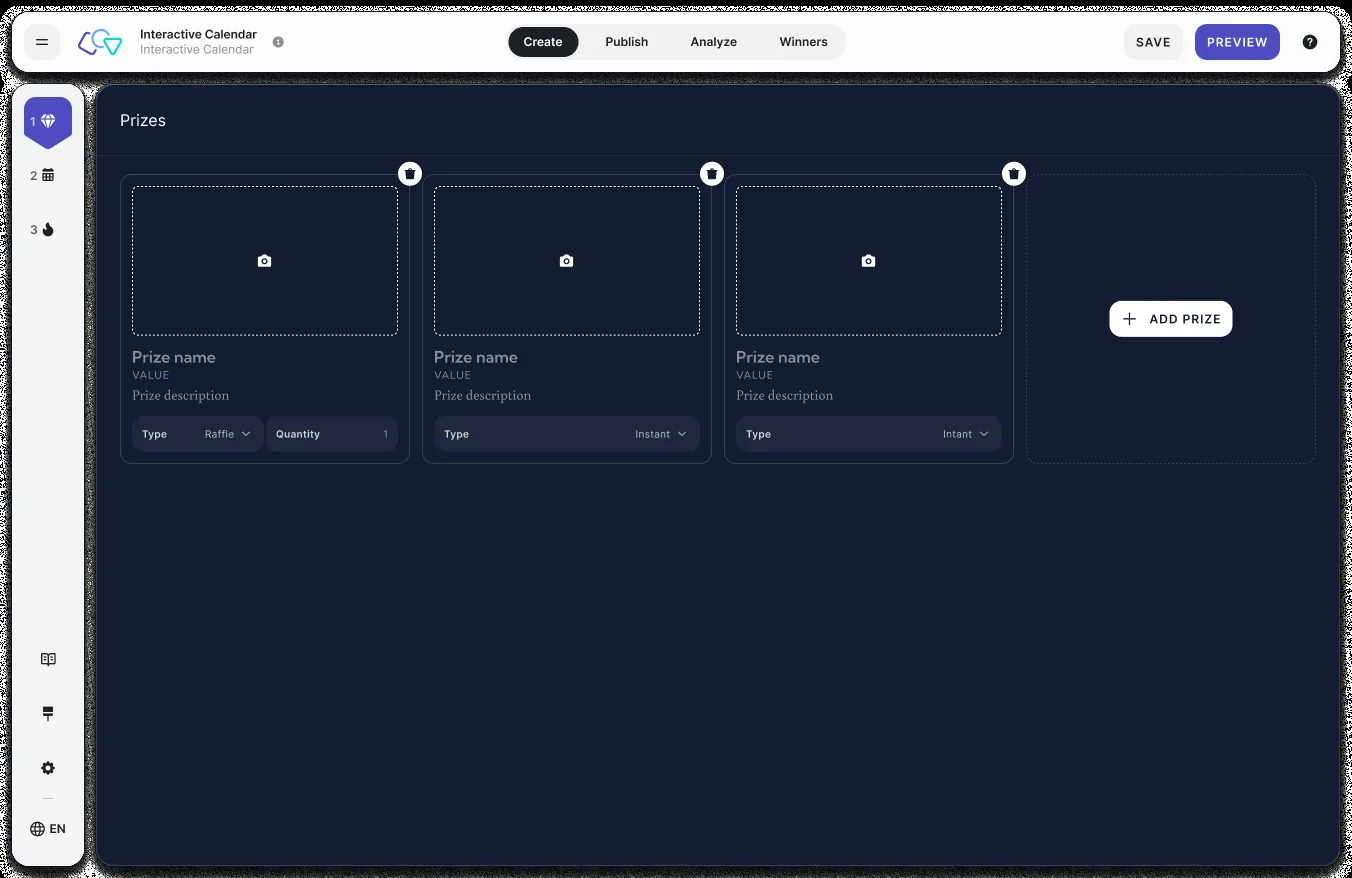
Start with what matters most – the reason your participants come back every day. Two prize types are available: instant prizes that everyone wins on the spot (perfect for coupon codes and vouchers), and raffle prizes where every opened door counts as a ticket – with the number of winners per prize up to you, say 3 iPhones behind door 17. Each prize gets an image, title, value, and description and can be reused behind multiple doors. Up to 25 prizes fit into one calendar.
Step 2: Set the scene
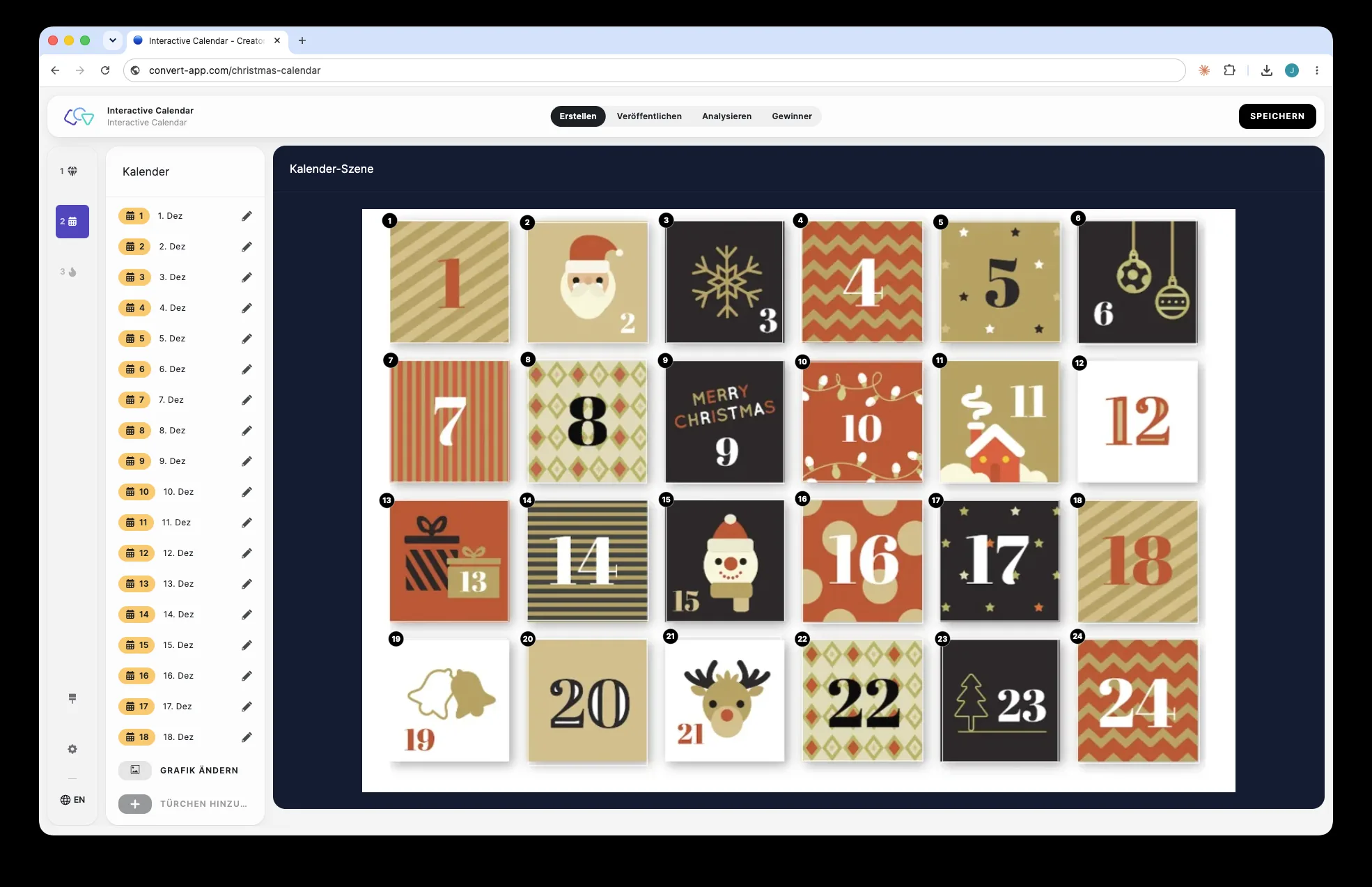
Two ways to your look: either pick one of the pre-designed Christmas scenes – doors already placed, animations included, done in two minutes. Or upload your own graphic – your store, your product, your skyline – and freely position the 24 door hotspots on it, sized and placed to match your artwork. That way, no calendar looks like any other brand's.
Step 3: Fill the doors
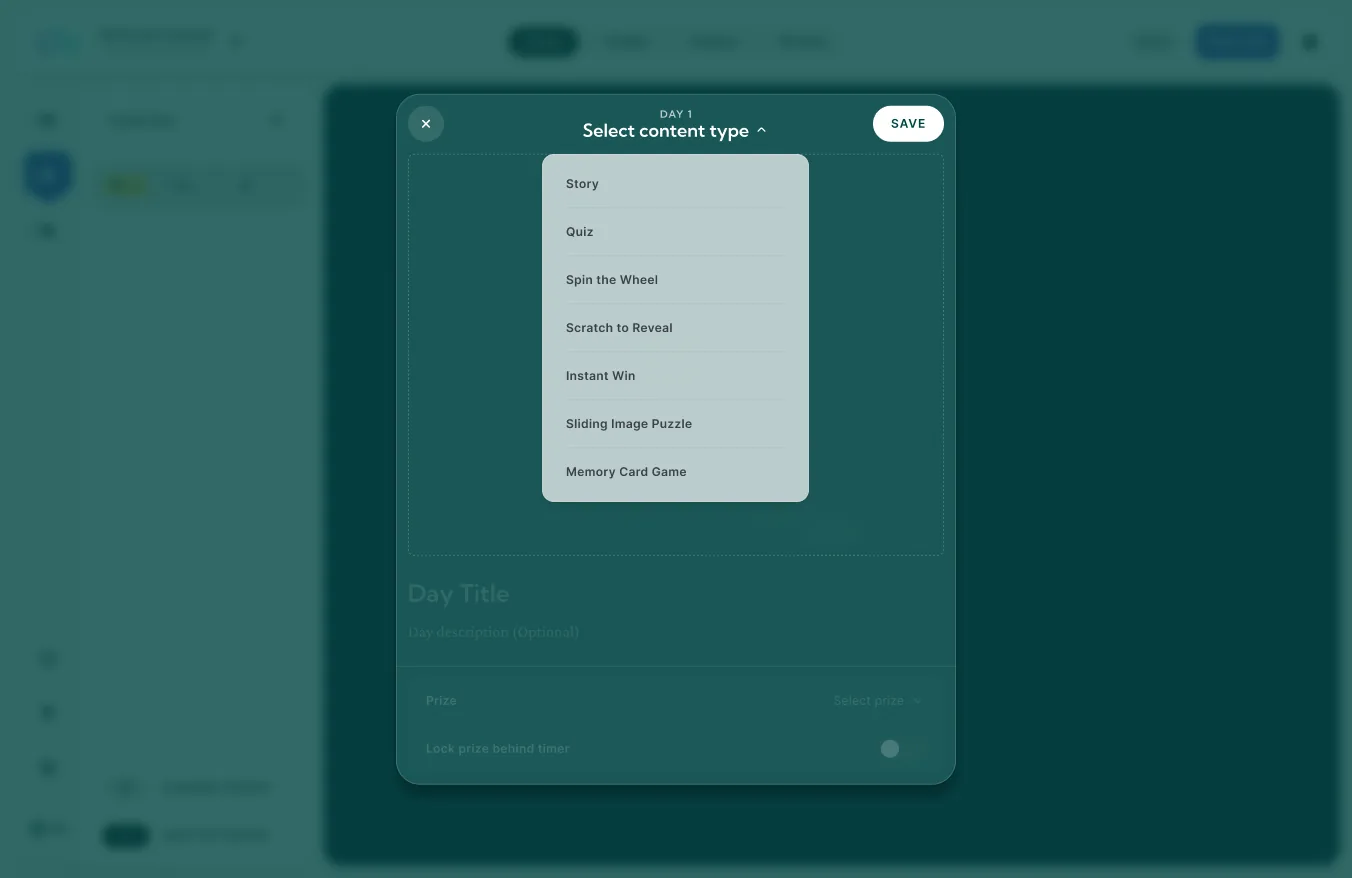
For each door, pick the content: one of five challenges – quiz, memory, prize wheel, scratch card, or sliding puzzle –, a story door with image, video, or text, or the direct path to the prize. Add a day title, an optional description, and the prize of the day. The sidebar shows all 24 days at a glance, so you keep the dramaturgy in view. No idea what to put behind the doors? Here are 24.
Step 4: Configure streaks – and publish
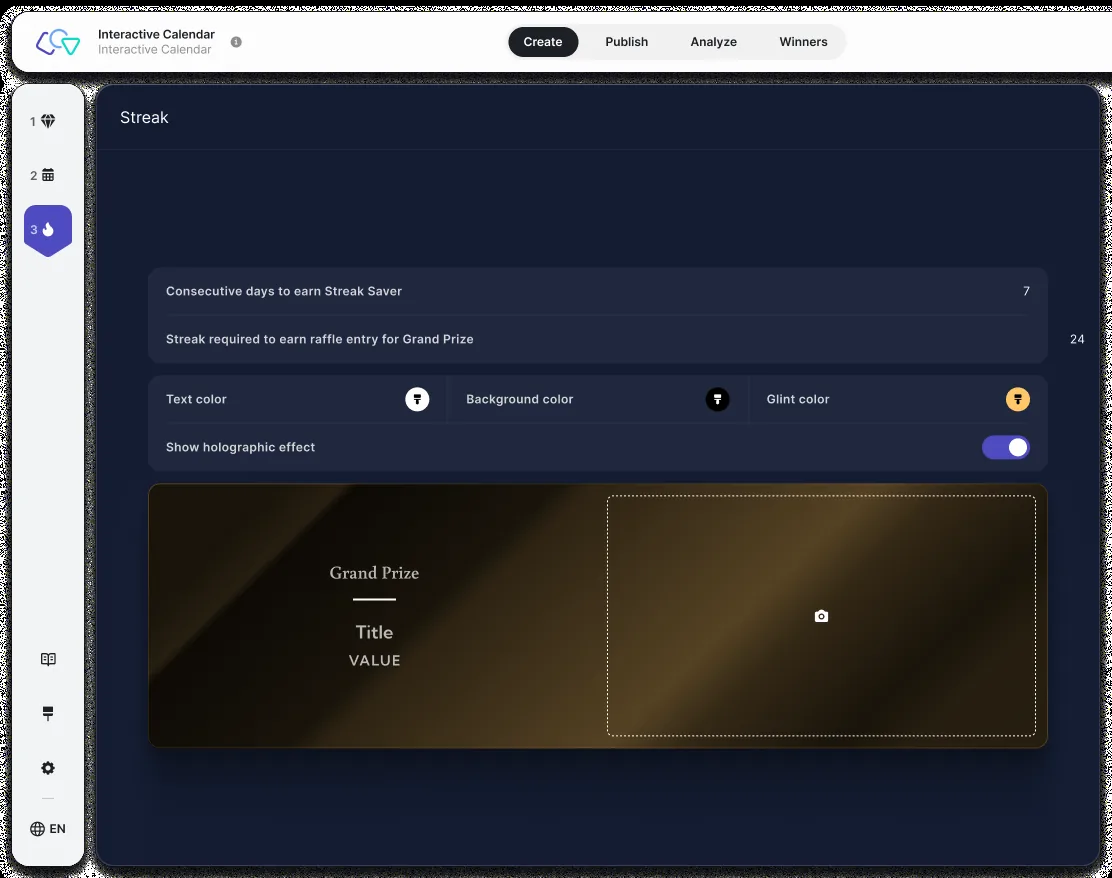
Now for the mechanic that turns visitors into returners: set how many consecutive days earn a streak saver (it automatically rescues the streak when a day is missed) and which streak goal enters the raffle for the extra grand prize. The grand prize gets its own card – with a holographic effect, if you like. Then: publish. Landing page URL, QR code, and embed code for your website are ready automatically.
Done. And if you want more, there's more.
The four steps are enough for a complete calendar. Everything else is optional – and waiting in the Creator when you need it:
And after the 24th? Raffle winners are drawn automatically – you export the lists and handle the notification. The analytics view shows you how the calendar performed.
Frequently asked questions about creating your own
Do I need coding skills to create a digital advent calendar?
How long does it take to create an advent calendar yourself?
What if I don't have time to build the calendar myself?
Four steps to your own calendar.
Or zero – if we build it.
30-minute demo – we'll walk you through the Creator from the inside and figure out whether self-service or full-service fits you better.
Book a Demo